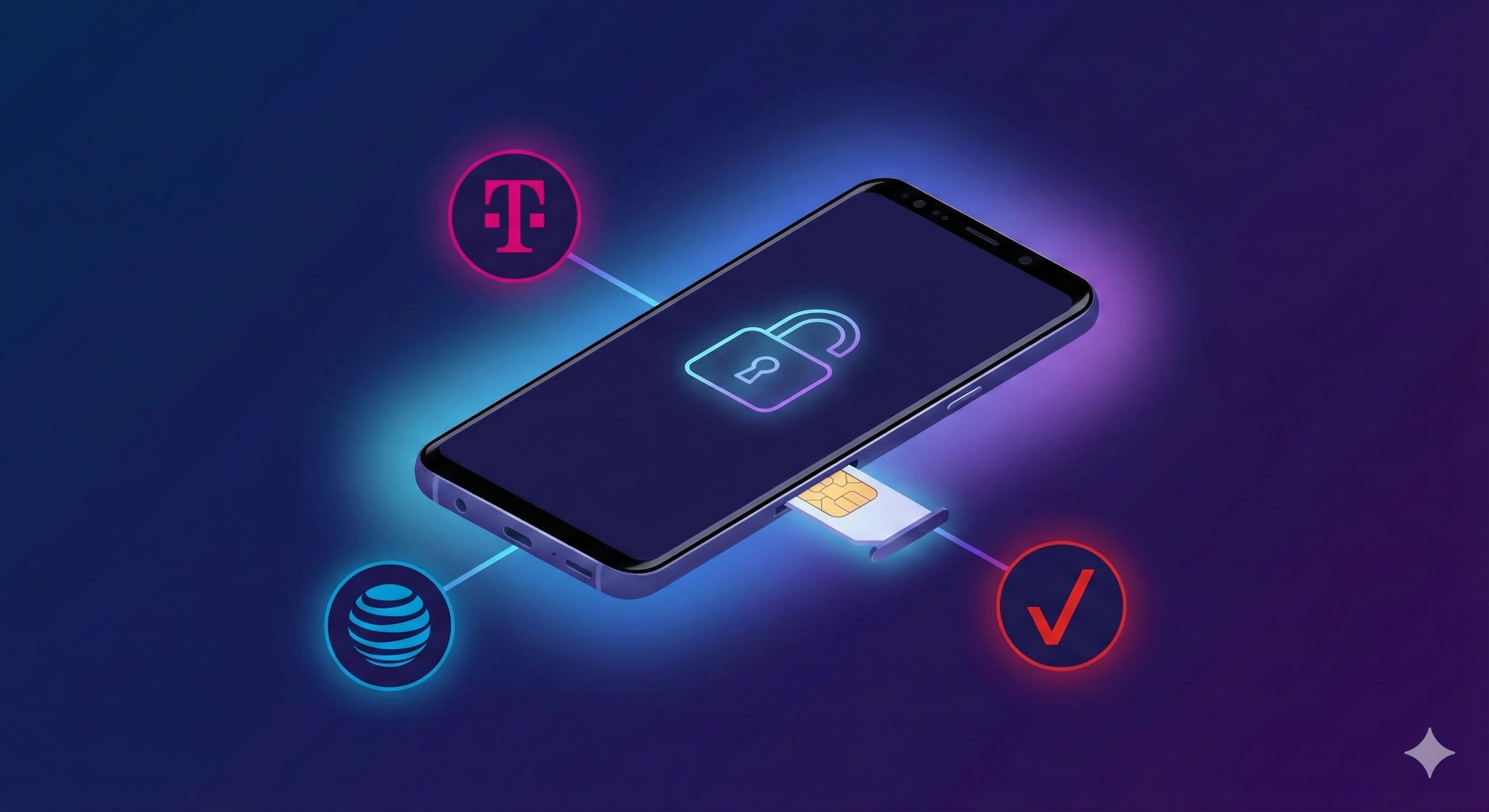
How to Unlock Samsung Phones from T‑Mobile, AT&T, and Verizon
How to Unlock Samsung Phones from T‑Mobile, AT&T, and Verizon
Samsung users often face carrier restrictions when switching networks, traveling internationally, or selling their phones. T‑Mobile, AT&T, and Verizon devices can be locked, limiting your freedom to use any SIM card. Easy SIM Unlocker provides a safe, fast, and user-friendly solution to unlock your Samsung phone, giving you full control and flexibility.
Whether it’s for personal use, business, or travel, this guide will help you unlock your Samsung device step by step.
Unlocking your Samsung phone comes with several advantages:
- 1.) Use any network: Switch between T‑Mobile, AT&T, Verizon, or any other carrier.
- 2.) Travel freely: Avoid high roaming charges by using local SIMs abroad.
- 3.) Increase resale value: Unlocked phones attract more buyers.
- 4.) Access all features: Some features and apps may be carrier-restricted.
With Easy SIM Unlocker, these benefits are just a few clicks away.
Step-by-Step Guide to Unlock Samsung Phones
Step 1: Check Your Samsung Phone's Lock Status
you can visit Easy SIM Unlocker and order an unlock eligibility check. This lets you know instantly whether your Samsung phone can be unlocked safely using our platform.
Step 2: Choose Your Carrier
Different carriers have slightly different unlock requirements:
- 1.) T‑Mobile: Most Samsung phones are eligible for unlocking after 40 days of service.
- 2.) AT&T: Requires account in good standing and device fully paid.
- 3.) Verizon: Most newer devices auto-unlock after 60 days.
Step 3: Use Easy SIM Unlocker
1.) Visit Easy SIM Unlocker website.
2.) Select your carrier (T‑Mobile, AT&T, Verizon).
3.) Enter Samsung model and IMEI number.
4.) Follow the guided instructions to unlock.
Step 4: Insert New SIM
Once unlocked, insert a new SIM card from any carrier. Restart your device and confirm network connectivity.
- 1.) Only use trusted services like Easy SIM Unlocker.
- 2.) Avoid illegal unlocking methods.
- 3.) Keep your phone and data backed up.
- 4.) Ensure your device software is updated.
1.) Easy SIM Unlocker is designed for simplicity, security, and reliability. It supports:
- 2.) All Samsung models
- 3.) T‑Mobile, AT&T, and Verizon
- 4.) Quick processing times
- 5.) Step-by-step guidance for beginners
By using our service, you ensure a legal, safe, and hassle-free unlocking experience.
Unlocking your Samsung phone from T‑Mobile, AT&T, or Verizon is easier than ever with Easy SIM Unlocker. Enjoy the freedom to switch carriers, travel internationally, and maximize your device’s value.
👉 Unlock your Samsung device now with Easy SIM Unlocker and experience true mobile freedom!
Q1: How do I know if my Samsung phone is locked to a carrier?
A: Visit Easy SIM Unlocker and order an unlock eligibility check. This will instantly tell you whether your Samsung phone can be safely unlocked.
Q2: Can I unlock my Samsung phone from T‑Mobile, AT&T, or Verizon myself?
A: Yes, but using Easy SIM Unlocker is safer, faster, and avoids mistakes or risks with manual methods.
Q3: Will unlocking my Samsung phone void the warranty?
A: No, legal unlocking via services like Easy SIM Unlocker does not void Samsung’s warranty.
Q4: How long does it take to unlock a Samsung phone with Easy SIM Unlocker?
A: Most Samsung devices are unlocked within minutes to a few hours, depending on the carrier.
Q5: Can I use any SIM card after unlocking my Samsung phone?
A: Yes, once unlocked, your phone works with any compatible SIM worldwide, perfect for travel or switching networks.
admin@gmail.com