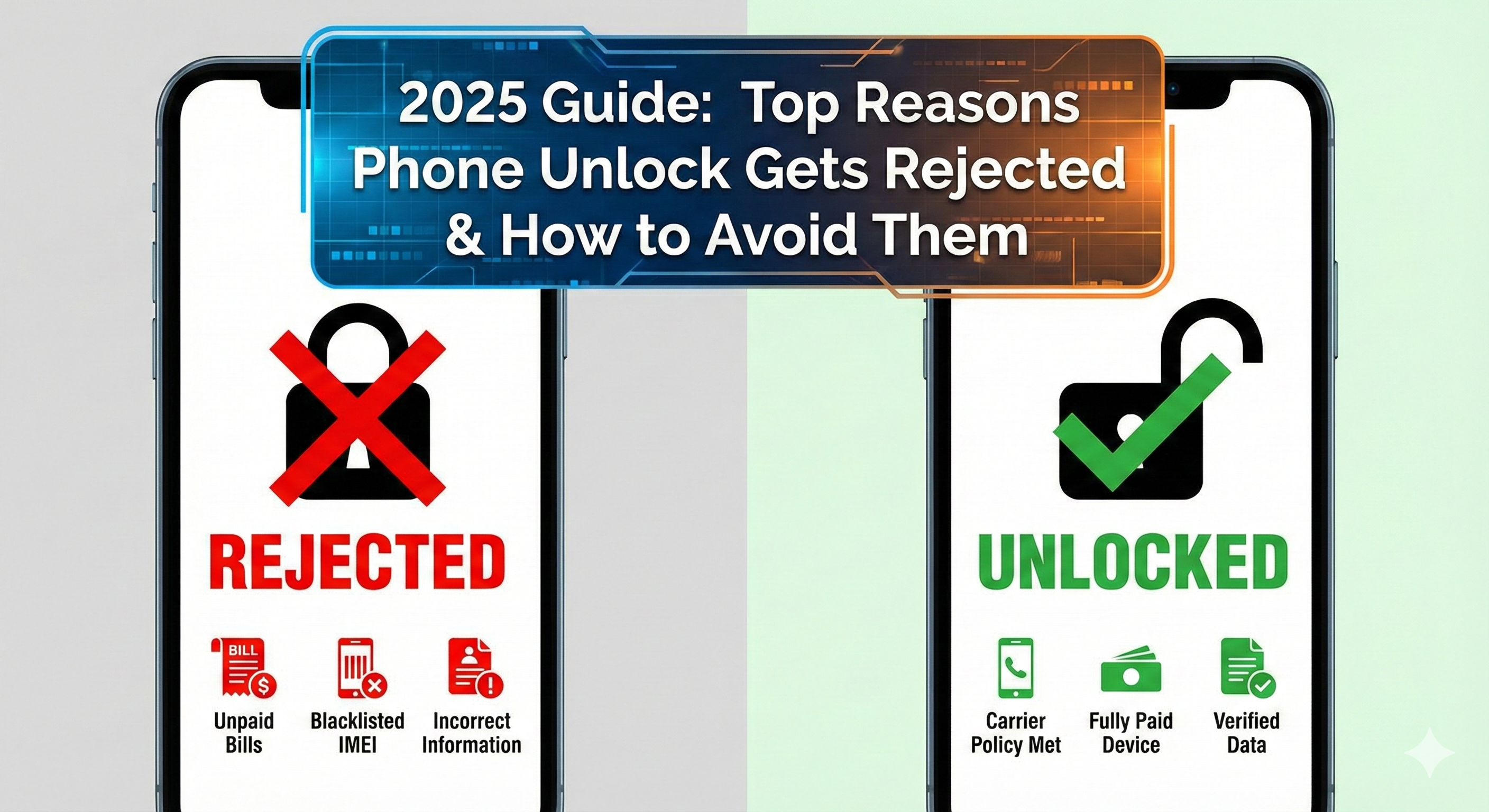
Top Reasons Phone Unlock Gets Rejected & How to Avoid Them (2025 Guide)
Top Reasons Phone Unlock Gets Rejected & How to Avoid Them (2025 Guide)
Unlocking your smartphone should be simple — but many users face unlock request rejections from carriers. Whether you’re using AT&T, T-Mobile, Verizon, Cricket, Metro, or an international carrier, you’re likely to see common errors like “Unlock Request Denied”, “IMEI Not Eligible”, or “Device Not Supported”.
In this complete guide, you’ll learn the top reasons unlock requests fail, how to fix each problem, and how EasySimUnlocker helps you get a guaranteed unlock.
✅ Top Reasons Your Phone Unlock Gets Rejected
Carriers block phones that don’t meet their unlock policy.
Reasons include:
- 1.Device is still under contract
- 2.IMEI not active long enough
- 3.Pending installments
💡 How to avoid it:
Use EasySimUnlocker’s free IMEI checker to confirm your IMEI status, carrier, and unlock eligibility before submitting any request.
If your device has unpaid installments or EMIs, carriers auto-reject the unlock request.
Common error message:
“Your device is still under financial obligation.”
💡 Fix:
If you can’t clear the dues, EasySimUnlocker offers financially locked unlock solutions for many models.
A blacklisted IMEI means the phone was reported lost, stolen, or involved in fraud.
Carriers NEVER unlock blacklisted phones.
💡 Fix:
Use EasySimUnlocker’s IMEI Blacklist Check to confirm.
Even if blacklisted, some regions allow GSX/MEID cleaning solutions — EasySimUnlocker will guide you with the safest option.
Sometimes your phone is actually eligible, but the carrier database hasn’t updated, causing a rejection.
This is very common with:
- AT&T
- T-Mobile
- Verizon
- Metro PCS
💡 Fix:
EasySimUnlocker frequently resubmits the request after checking the updated carrier GSX/IMEI status.
If you exchanged the phone under warranty, the IMEI mismatch causes automated rejections.
Example errors:
- “IMEI not found in database”
- “IMEI mismatch – original device replaced”
💡 Fix:
EasySimUnlocker can locate the original IMEI lineage and process unlock accordingly.
Most people try apps or random code generators — those do not work in 2025.
Each device requires a specific method:
- IMEI-based unlock (iPhone + most Android)
- Server unlock (Samsung, Google Pixel, LG)
- Carrier database unlock
- Remote unlock tools
💡 Fix:
EasySimUnlocker automatically picks the correct method based on your IMEI + model + carrier.
If you insert another SIM while the unlock is still processing, some carriers reset the unlock queue.
💡 Fix:
Avoid changing SIMs until the unlock is completed.
🚀 How EasySimUnlocker Ensures Your Unlock Doesn’t Get Rejected
EasySimUnlocker prevents rejection by:
✔ Checking IMEI status + carrier lock status
✔ Detecting blacklist, financial lock, contract lock, and fraud flags
✔ Selecting the correct unlock method
✔ Providing 100% safe IMEI-based carrier unlocking
✔ Supporting iPhone, Samsung, Google Pixel, OnePlus, and more
✔ Giving live unlock progress updates
No guesswork — just a smooth unlock process.
Q1: Why is my unlock request denied?
A: Because your phone doesn’t meet carrier requirements like contract completion, clean IMEI, or database mismatch.
Q2: Can a blacklisted IMEI be unlocked?
A: Not through carrier methods — but EasySimUnlocker provides alternative safe solutions depending on your region.
Q3: . How long does a carrier unlock take?
A: From 10 minutes to 72 hours depending on carrier + device model.
Q4: Is IMEI unlocking safe?
A: Yes, IMEI-based unlock is 100% legal and doesn’t void your warranty.
Q5: How can I check if my IMEI is eligible?
A: Use EasySimUnlocker’s free IMEI Check Tool for instant status.
admin@gmail.com