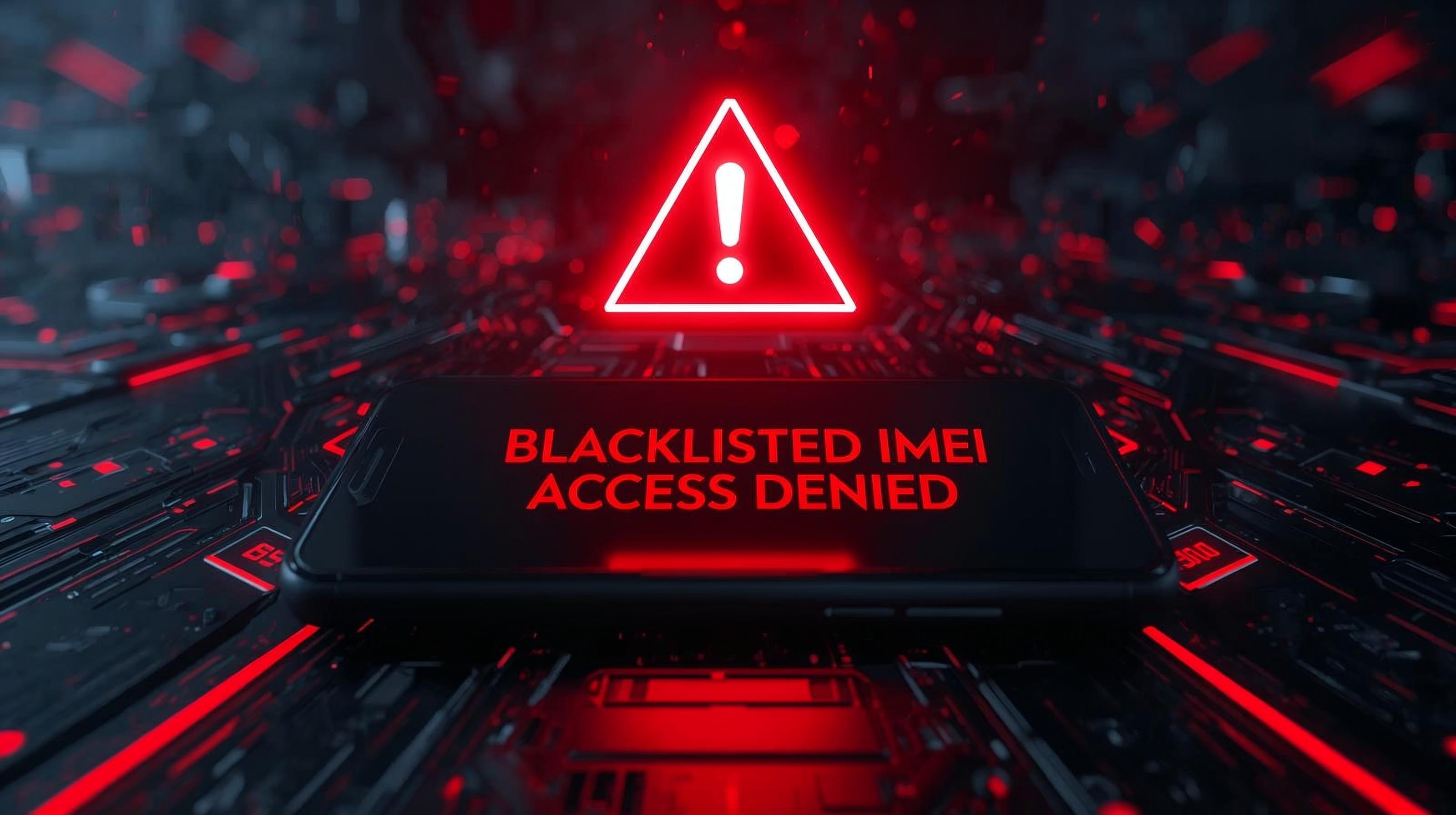
Why You Must Check Your IMEI Status Before Unlocking Your Phone (2025 Guide)
Why You Must Check Your IMEI Status Before Unlocking Your Phone (2025 Guide)
If you’re planning to unlock your phone in 2025 — whether it’s a Samsung unlock, iPhone unlock, or T-Mobile unlock — the very first step is to check your IMEI status. Without this, you may waste time and money, especially if your device is on the IMEI blacklist.
In this guide, we’ll explain:
- 1. What IMEI status really means
- 2. The difference between carrier-locked and blacklisted IMEIs
- 3. How an IMEI checker helps you know if your phone is unlockable
- 4. Step-by-step: how to run a free IMEI check before unlocking
What is an IMEI Number?
Your IMEI (International Mobile Equipment Identity) is a unique 15-digit code assigned to every mobile device. Carriers use it to:
- 1. Identify your phone on the network
- 2. Check if it’s carrier-locked
- 3. Block stolen or unpaid phones by adding them to the IMEI blacklist
👉 You can find your IMEI by dialing *#06#, checking Settings > About Phone, or looking on the SIM tray/box.
Carrier-Locked vs Blacklisted IMEI
Not all locked phones are the same. Before you request a phone unlock, you need to know the difference:
- Carrier-Locked Phone
- 1. Your phone only works with the original carrier (e.g., T-Mobile, AT&T, Vodafone)
- 2. Good news: You can usually request a carrier unlock through our service.
- Blacklisted Phone
- 1. Reported lost, stolen, or unpaid
- 2. Bad news: A blacklisted IMEI cannot be used on most networks, even if unlocked.
- 3. Unlocking services cannot remove blacklist status.
👉 This is why an IMEI check is critical — it tells you whether your phone is simply locked or actually blacklisted.
✅ Why Checking IMEI Status Before Unlocking Matters
1. Saves you money – No point paying for an unlock if your IMEI is blacklisted.
2. Tells you eligibility – Some carriers (like T-Mobile unlock policy) require your IMEI to be clean before processing.
3. Works with eSIM too – With eSIM-only phones (like iPhone 15/16/17), checking IMEI ensures your device can activate an eSIM profile.
4. Protects against scams – Many shady sellers hide the fact that a phone is blacklisted.
🔍 How to Run an IMEI Check Before Unlocking
Here’s a step-by-step guide:
1. Find your IMEI number
- Dial *#06#
- Or check in Settings > About Phone
2. Visit EasySimUnlocker.com
- Go to 👉 www.easysimunlocker.com
- Enter your IMEI number into our IMEI Status Checker Tool
3. Review your IMEI Status
- If it shows Locked but Clean → You can order a Carrier Unlock right away.
- If it shows Blacklisted → The phone cannot be unlocked for network use.
📱 What to Do After Checking Your IMEI
- Clean but Locked IMEI:
- Order a legal unlock for your carrier.
👉 Try our Samsung Unlock, iPhone Unlock, or T-Mobile Unlock services.
- Order a legal unlock for your carrier.
- Blacklisted IMEI:
- C#ontact the original carrier to clear unpaid bills or correct mistakes.
- Avoid services that claim to “repair” or “change IMEI” — this is illegal in most countries.
Before you spend money on an unlocking service, always run an IMEI check. The difference between a carrier-locked IMEI and a blacklisted IMEI determines whether your phone can actually be unlocked.
👉 Start by using our Free IMEI Status Checker.
👉 If your phone is clean but locked, order an official Carrier Unlock Service and enjoy true mobile freedom.
Q1: What happens if my IMEI is reported stolen?
A: If your IMEI is blacklisted as stolen, the device will not work on most networks, even after unlocking. Only the original carrier can remove the blacklist status.
Q2: Is IMEI check the same as carrier check?
A: No. An IMEI check shows blacklist/clean status, while a carrier check shows which network the phone is locked to. Both are important before unlocking.
Q3: Do I need to root or jailbreak my phone to unlock it?
A: No. EasySimUnlocker.com uses official carrier unlock methods, so no rooting, jailbreaking, or illegal modifications are needed.
admin@gmail.com